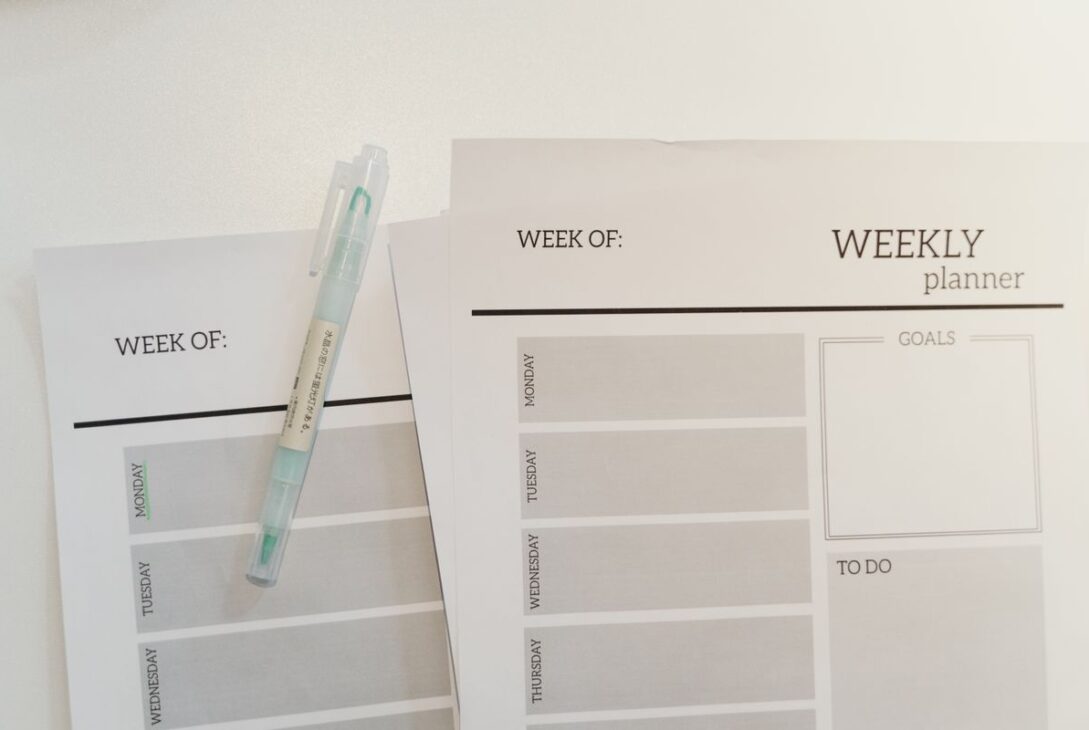
Two popular ways to manage your day are the to-do list and time blocking. A to-do list tells you what needs doing. Time blocking tells you when you will do it. Each has strengths and weaknesses, and the right choice depends on your work, your personality, and how predictable your days are. This guide compares them and shows how to combine them.
What Is a To-Do List?
A to-do list is a collection of tasks you want to complete, often written on paper or in an app. You cross items off as you finish them.
Strengths
- Simple and quick to start
- Flexible, since you can tackle tasks in any order
- Gets tasks out of your head, which reduces mental load
- Satisfying to cross off completed items
Weaknesses
- Lists tend to grow longer than any day can hold
- Tasks have no time estimate, so overload is hard to notice
- Easy tasks get done first while important ones are postponed
- It does not show how tasks fit around meetings and commitments
What Is Time Blocking?
Time blocking means assigning tasks to specific slots on your calendar. Instead of “write report,” you plan “Tuesday, 9:00 to 10:30, write report.” Your day becomes a visible plan with beginnings and ends.
Strengths
- Makes you face how much time you really have
- Protects time for important and deep work
- Reduces decision fatigue about what to do next
- Helps you fit work, rest, family, and personal commitments into one view
Weaknesses
- Takes planning effort at the start of each day or week
- Can feel rigid when plans change
- Poor estimates lead to a plan that falls apart
- Less suited to roles with constant interruptions
Head-to-Head Comparison
- Setup effort: to-do lists are quick, time blocking takes more thought.
- Realism: time blocking exposes overload, while lists hide it.
- Flexibility: lists adapt easily, blocks need rearranging.
- Focus: time blocking protects uninterrupted work, lists do not.
- Best for: lists suit varied, unpredictable days, and time blocking suits people with big projects or a tendency to overcommit.
Which One Should You Choose?
Choose a to-do list if your work is reactive, tasks are short, and your schedule changes constantly, such as in customer support or a busy shop.
Choose time blocking if you do focused work like writing, studying, design, or programming, or if you often feel that the day disappeared without progress.
Choose both if you want the best of each. This is what many people find works.
A Combined Method: The List Feeds the Calendar
- Capture everything in one master list so that nothing lives only in your head.
- Pick today’s priorities. Choose three important tasks, and a few small ones.
- Estimate time for each task, and add a margin, since most tasks take longer than expected.
- Place fixed commitments first: meetings, meals, prayer or quiet time, school runs, appointments, and rest.
- Block time for priorities in the gaps, putting the most demanding work when your energy is highest.
- Group small tasks into a single “admin” block for emails, calls, and quick jobs.
- Leave buffer time between blocks for overruns and interruptions.
How to Time Block Well
Know Your Energy Patterns
Notice when you think most clearly. Many people focus best in the morning, but not everyone does. Schedule demanding tasks for your high-energy hours and routine tasks for the low ones.
Use Realistic Block Lengths
Blocks of 60 to 90 minutes often work for focused tasks, followed by a short break. For small tasks, 15 to 30 minutes is enough.
Add Buffers
People commonly underestimate how long tasks take. Add 20 to 30 percent extra, or leave a free slot each morning and afternoon for the unexpected.
Schedule Breaks, Meals, and Rest
Treat them as appointments. A plan that ignores meals, movement, and downtime will not survive contact with a real day.
Protect Your Blocks
Silence notifications during focus blocks, and let colleagues know when you are unavailable. Offer other times for meetings where possible.
Review and Adjust
At the end of each day, note what took longer or shorter than planned. Use that information to estimate more accurately next time.
When Your Plan Falls Apart
It will, sometimes. Do not scrap the system. Instead:
- Move the missed block to the next available slot.
- Drop or postpone the least important tasks.
- Ask what caused the disruption, and adjust your buffers.
- Remember that a plan is a guide, not a promise.
Making Lists Work Better
If you prefer lists, these habits improve them:
- Keep a short daily list of no more than three to five main tasks.
- Write tasks as clear actions: “Email Sara about the contract,” not “Contract.”
- Separate the master list from the daily list.
- Rank items by importance and deadline.
- Review the list at the start and end of each day.
Common Mistakes
- Filling every minute with no flexibility
- Planning more than a day can hold
- Skipping breaks
- Never reviewing results
- Using a complicated system that takes more time than it saves
- Comparing your system with someone else’s
A Simple One-Week Experiment
- For two days, use only a to-do list and note how the days feel.
- For the next two days, time block the same type of work.
- For the last three days, combine both methods.
- Compare how much you finished, how stressed you felt, and which method felt sustainable.
Frequently Asked Questions
Do I need an app?
No. A paper planner, a notebook, or a free calendar app all work. Choose what you will actually use.
What if my job is full of interruptions?
Block short periods for deep work, such as 45 minutes, and leave open blocks for reactive tasks. Even small protected pockets of time help.
How far ahead should I plan?
A quick weekly overview plus a daily plan is enough for most people. Plan more detail only for the next day or two.
Will time blocking make me feel controlled?
It can if used rigidly. Treat blocks as a flexible framework, and leave open time for rest and spontaneity.
The Takeaway
To-do lists capture what matters, and time blocking decides when it happens. Use the list to collect tasks, the calendar to place the most important ones, and a regular review to improve your estimates. Experiment for a week and keep what works for you. This article is general productivity and wellbeing information.