
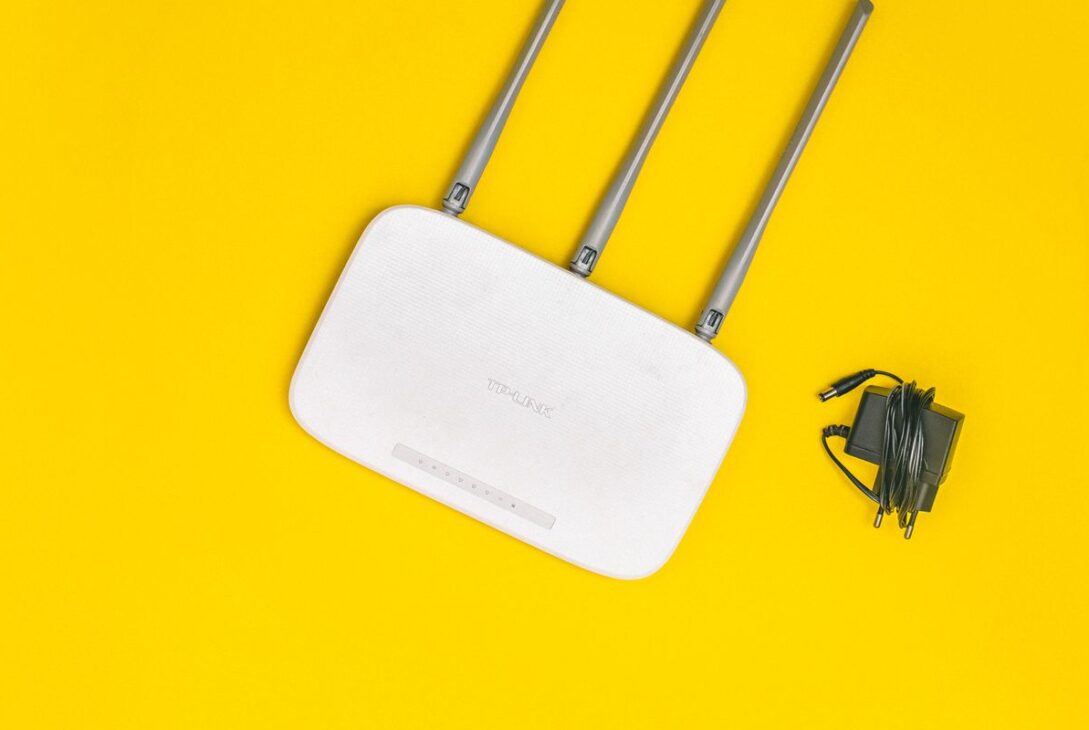
A video call freezes five minutes before a client presentation. A cafe’s wifi drops during a file upload. A storm knocks out the neighborhood’s connection on deadline day. For anyone whose income depends on being online, internet failures are not minor annoyances. They are business risks. The solution is not a faster connection but a layered backup plan, so that when one thing fails another takes over.
Think in Layers
A good plan has several levels:
- Primary connection: your main wifi or wired internet
- Backup connection: a second, independent way online, such as mobile data
- Fallback location: a place with its own connection you can move to quickly
- Offline plan: work you can do with no internet at all
- Communication plan: a way to tell clients what is happening
Layer 1: Make Your Primary Connection Better
- Test speed and stability before booking accommodation, and ask hosts for recent speed test results.
- Sit near the router, and use a wired cable for important calls if possible.
- Reduce competing use by pausing large downloads during meetings.
- Restart the router if it has not been restarted in a while.
- Check upload speed as well as download speed, since video calls rely on both.
Layer 2: Mobile Data as a Backup
Your phone is the most common backup.
- Phone hotspot: share your phone’s mobile data with your laptop. Check that your plan allows tethering and what the data limit is.
- Local SIM or eSIM: when you travel, a local data plan is often cheaper and faster than roaming. Check whether your phone is unlocked and supports eSIM.
- Second provider: if you can, use a different network from your primary connection, so a single provider’s outage does not take down both.
- Dedicated portable hotspot: a small device with its own SIM can save your phone’s battery and give a steadier signal.
Test the backup in advance, so you know it works where you live and how fast it is.
Layer 3: Fallback Locations
Identify two or three places you can go on short notice:
- A coworking space, with a day pass option
- A cafe or library with reliable internet and a quiet corner
- A friend’s or colleague’s home, if they are willing
Note opening hours and any limits on calls. Save their locations in your phone’s map for quick access.
Layer 4: Protect Your Power
Internet is useless without electricity.
- Carry a fully charged power bank for your phone.
- Bring a universal travel adapter when you move between countries.
- Keep your laptop charged before important sessions.
- Consider a small battery pack for your router if power cuts are common where you stay.
Layer 5: Make Offline Work Possible
- Sync key documents to your device ahead of time, and mark them for offline access.
- Keep a list of tasks that need no internet, such as writing, editing, planning, and reading.
- Download needed reference material, maps, and files before travel days.
- Save presentation files locally, not only in the cloud.
When the connection fails, a prepared list lets you stay productive instead of waiting.
Layer 6: Plan for Important Meetings
- Join five to ten minutes early to test sound and video.
- Have the backup connection ready, with the hotspot turned on but not yet used.
- Share a dial-in number or a fallback link with the host, if available.
- Turn off your camera if bandwidth drops, so the audio stays clear.
- Know how to rejoin quickly if you are cut off.
Layer 7: Communicate Early
When a problem occurs, tell people quickly and calmly. A short message goes a long way:
“My internet has dropped. I am switching to a backup connection and will rejoin within five minutes. If that fails, I will email you by 3 p.m. with next steps.”
Agree in advance with key clients on what you will do in an outage, such as moving a meeting or sending a recorded update.
Stay Secure on Public and Shared Networks
- Avoid sensitive tasks, such as banking, on open public wifi.
- Use a trusted VPN service if you must work on shared networks.
- Keep software and apps updated.
- Use two-step verification on important accounts.
- Prefer your own mobile hotspot to unknown networks.
- Turn off automatic connection to open networks.
Watch Your Data Use
Video calls can consume a lot of mobile data. Keep an eye on your plan’s limit, lower the video quality when on a hotspot, and avoid large updates or downloads while tethered. Know the cost of extra data before you need it.
Your Pre-Trip and Weekly Checklist
- Primary connection tested
- Backup SIM or eSIM active and tested
- Hotspot settings checked
- Two fallback locations saved
- Power bank and adapter packed
- Key files available offline
- Client contact details accessible offline
- Emergency message template ready
Common Mistakes
- Relying on one connection for everything
- Assuming the backup works without testing it
- Scheduling major calls without a plan B
- Letting phone battery run low
- Waiting too long to inform clients
- Using unsecured public networks for sensitive work
Frequently Asked Questions
Is a phone hotspot enough?
For many tasks, yes, especially in areas with a good mobile signal. Check data limits and test call quality in advance.
Should I buy satellite internet?
It may suit remote locations without conventional service, but it costs more and has its own limits. Compare options based on your location and needs.
How do I choose a SIM when I travel?
Compare local providers’ coverage, data amounts, and prices, and check whether your phone is unlocked. Official provider pages and recent traveler reviews help.
What if all connections fail?
Switch to offline tasks, inform clients, and move to a fallback location when it is safe to do so.
The Takeaway
Do not rely on a single connection. Build layers: a strong primary, a tested mobile backup, a fallback location, charged power, offline work, and a clear message for clients. Preparing takes an hour and can save a deal. This article is general information, so check current plans and terms with your providers.